Windows 11
Windows 11 ISO Download: Enhanced performance, offering fast boot times.

Safe & Secure
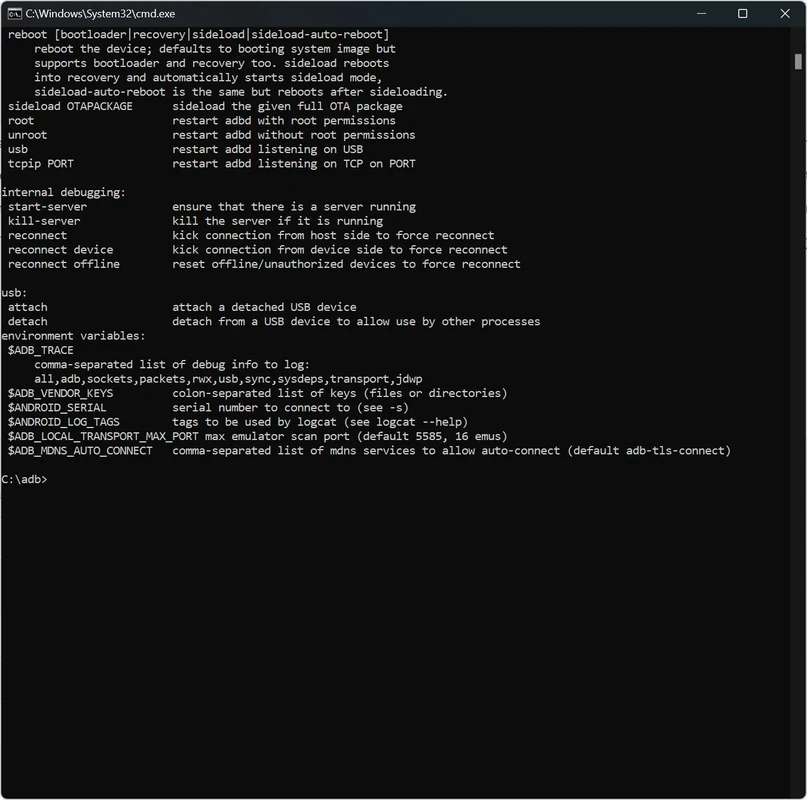
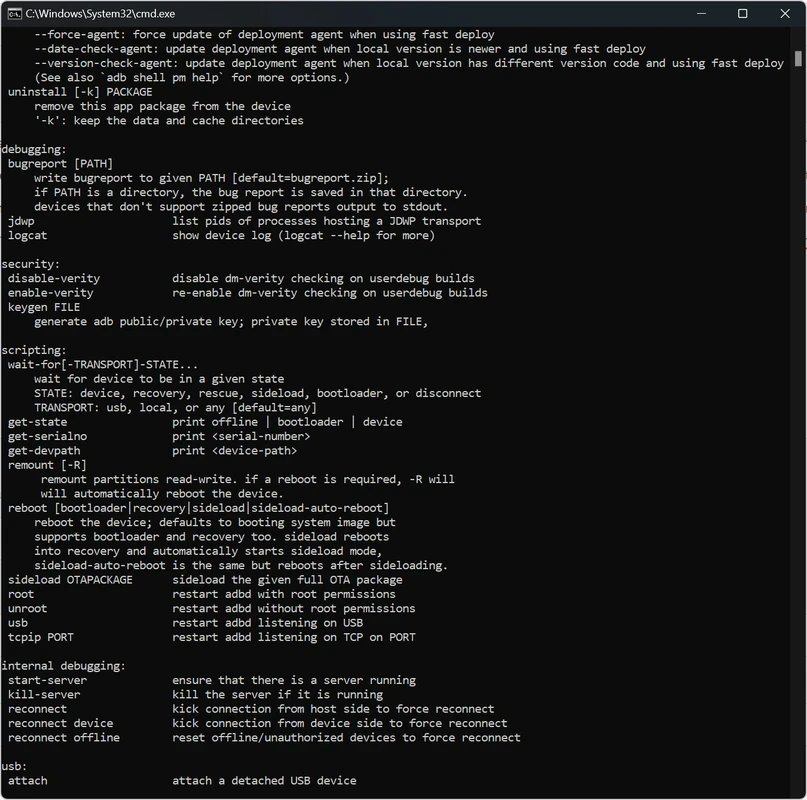
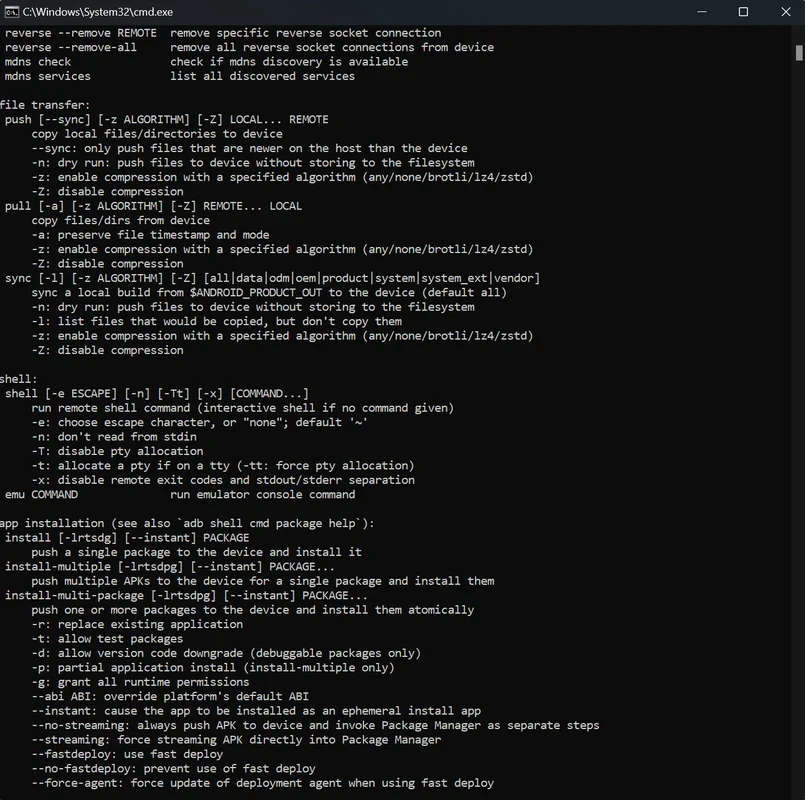
Android SDK is a comprehensive software development package, enabling developers to create Android-friendly applications while directly interacting with a Windows environment. It offers a huge software stack, including SDK tools, plugins, and other utilities for the ease of users to start creating the Android application.
The innovative app offers seamless communication between a computer and an Android device, offering multiple operations, including system modifications, app installation, and device recovery. It is also capable of sending APK files, executing shell commands, and managing device settings, without demanding the rooting process.
Android SDK Platform, developed by the big tech giant Google, is a free-to-use Android app development kit. The standalone app was added to Android Studio in 2015, an official integrated development environment(IDE) offered by Google for the Android operating system. However, you can download it independently.
The lightweight tool streamlines a straightforward command-line interface equipped with a series of tools, drivers, and other resources, empowering tech enthusiasts to use their computer terminal for effortlessly managing the workflow.
The tool is basically based on two main utilities: ADB (Android Debug Bridge) and fastboot. ADB offers awesome services to deploy, debug, and sideload files, offering an innovative command-line layout. Likewise, fastboot modifies device firmware while handling the heavy lifting. Both utility within robust environment, ensuring a full authority over the hardware while bypassing standard consumer limitations.
You will find robust backward compatibility, as there will be effortless support is available, even for older devices. It works smoothly on whatever device you are using, without breaking your existing setups. The app has a one-click installation process, reliably available across the world, proving the best solution for users who are seeking a command-line approach and a lightweight utility to configure Android as well as troubleshooting facilities.
The availability of an awesome collection of tools helps to debug and test, and also offers multiple other essential utilities for developing the app. You need only to ensure the installed version on your device is the latest version; otherwise, update it quickly. Moreover, it also offers multiple platform-dependent tools, ensuring reliable debugging and development of Android applications. These tools make possible the availability of the latest Android functionality and need to be updated whenever a new platforms is introduced.
Seamless integration with Android Studio helps to more reliably manage the creation of applications. It doesn’t limit only with Android Studio, but also works as a standalone utility, specifically in case of requiring an IDE different from Android Studio. However, the app requires a regular update process that is a little bit difficult compared to Android Studio.
You can update your SDK tools easily using Android Studio, as you need to open Android Studio on your device and navigate to the Help menu. Here, you will find the latest updates for all channels, including Stable, Beta, Dev, and Canary. Simply click the “Check for Update” option, and select updates for your desired channel. Next, move to the System Settings section to open the SDK Manager section, and check the box next to your desired tool. Finally, click “Apply”, and hit the “OK” button.
The app exclusively offers an SDK Platform for each Android version, embedded with an android.jar file with a fully compliant Android library. You need to specify the SDK platform for building an Android app. Likewise, different system images are available within each platform, such as for ARM and X86. It is better to test the app on the latest Android version; an Android emulator is the best option for the purpose.
You can quickly access the Android SDK Platform Tools through Android Studio. Simply open the File menu and select Settings to locate “Android SDK”. Here, you will find three main tabs, including SDK Platforms, SDK Tools, and SDK Update Sites. Select your desired function by pressing the dedicated tab.
Pros
Cons

Windows 11 ISO Download: Enhanced performance, offering fast boot times.
The latest version of Windows 10 ISO File Download

The latest PRO/Ultimate version of Windows 7 ISO file Download

Kali Linux is a professional penetration testing and forensics toolkit that demands the complete integrity of your tool

Windows 8.1 ISO Download for desktop and touch screens